Wait until the sending is complete
Find the message in the personal chat SaveBot where you sent the link. When the bot loads or prepares the video, the first received segments do not yet mean that the entire recording is ready. Keep an eye on the status of this request.
If you sent multiple links, check which message the bot responds to. Messages from other links might be located between sections of the desired entry. First, gather the responses to one query, then verify their order.
Check the order of the segments
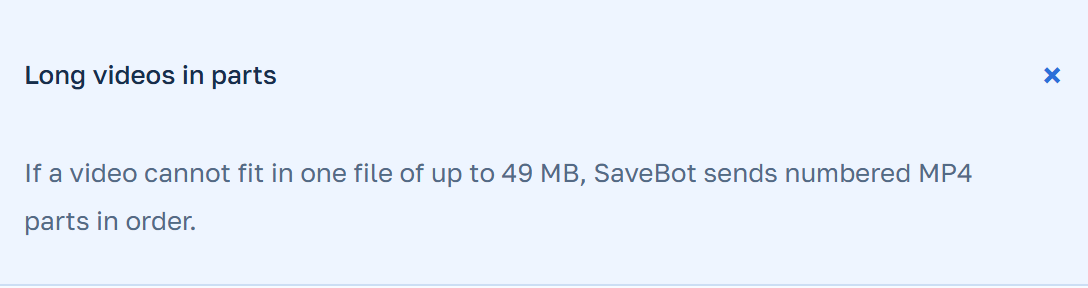
When the recording is split, SaveBot sends the prepared segments sequentially. Telegram can display the segment as a regular video or as a file. If the file name with a number is shown, use the number along with the message order.
- Open the earliest fragment of the responses to the relevant link.
- After that, click on the next response on the same link. If the part arrived as a file, check whether the number is visible in the name.
- Check the connection between the two parts based on the scene, dialogue, or music. Repeat the check if the segments have been mixed with another delivery.
Determine what might have interrupted the delivery
If there is a gap between visible numbers, check the adjacent messages. The fragment might appear as a document and look different from the others. Verify whether all found files open properly. If Telegram is still loading part of it, wait until the loading is complete.
Check if the original publication is accessible. A deleted or closed video may become unavailable, even if you have some previously received parts. SaveBot accepts links to supported open publications.
Save the video and notify me of the delay
The obtained parts remain in the Telegram chat. Save the relevant segments in the order they were viewed if you have permission to save the recording. The temporary files are deleted from the server SaveBot after successful sending. Before transferring, check the first and last segments in the saved copy. This way, you’ll notice if you selected the next record in the chat during saving.
If the bot reports an error or the upload is completed with a missing file, indicate in GIVO the Support name SaveBot, the approximate time by hour, and the last received fragment. If you are attaching a screenshot, hide your personal details and keep the error visible.