Take the link to the desired entry
There can be different versions of the song: studio recording, performance, and remix. Open the track you want to save, and check the title and artist. The link to the artist or collection itself does not indicate the correct version.
In the "Sharing" menu, copy the track link and open it for checking. The address should return you to the selected YouTube Music entry.
Send the link in the private chat
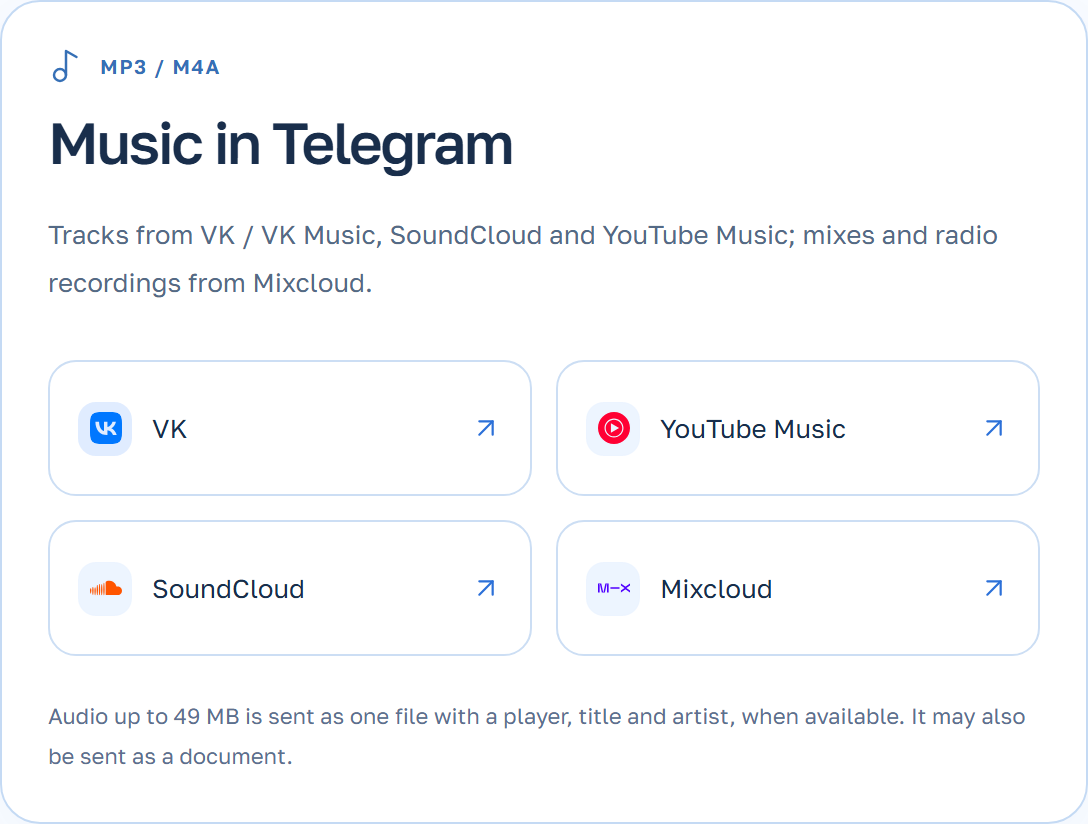
SaveBot determines the material type via a link. For the musical result, use the link from YouTube Music. For the first attempt, send one track to easily find the answer to it.
- Open SaveBot GIVO in Telegram, launch it, and select a language.
- Please include the link as a separate message and wait for the result in the same chat.
Check the audio file and ensure the track is available
Play back the obtained file and compare it with the recording you opened. If a different version appears, go back to YouTube Music and copy the link of the desired track.
If the record doesn’t open in the source, SaveBot might not be able to access it. Check the link in the browser without logging in. A public track that can be saved is suitable for sending to the bot.