Copy the link to one Shorts
Open the appropriate Short in YouTube application. Use the "Sharing" button at the roller and copy the address. In the browser, you can take a link from the address line while a specific commercial is open.
If the copied address is in doubt, open it in the browser. Check the author and the first images. When going back to the folder, go back to the video itself and copy the link via its menu.
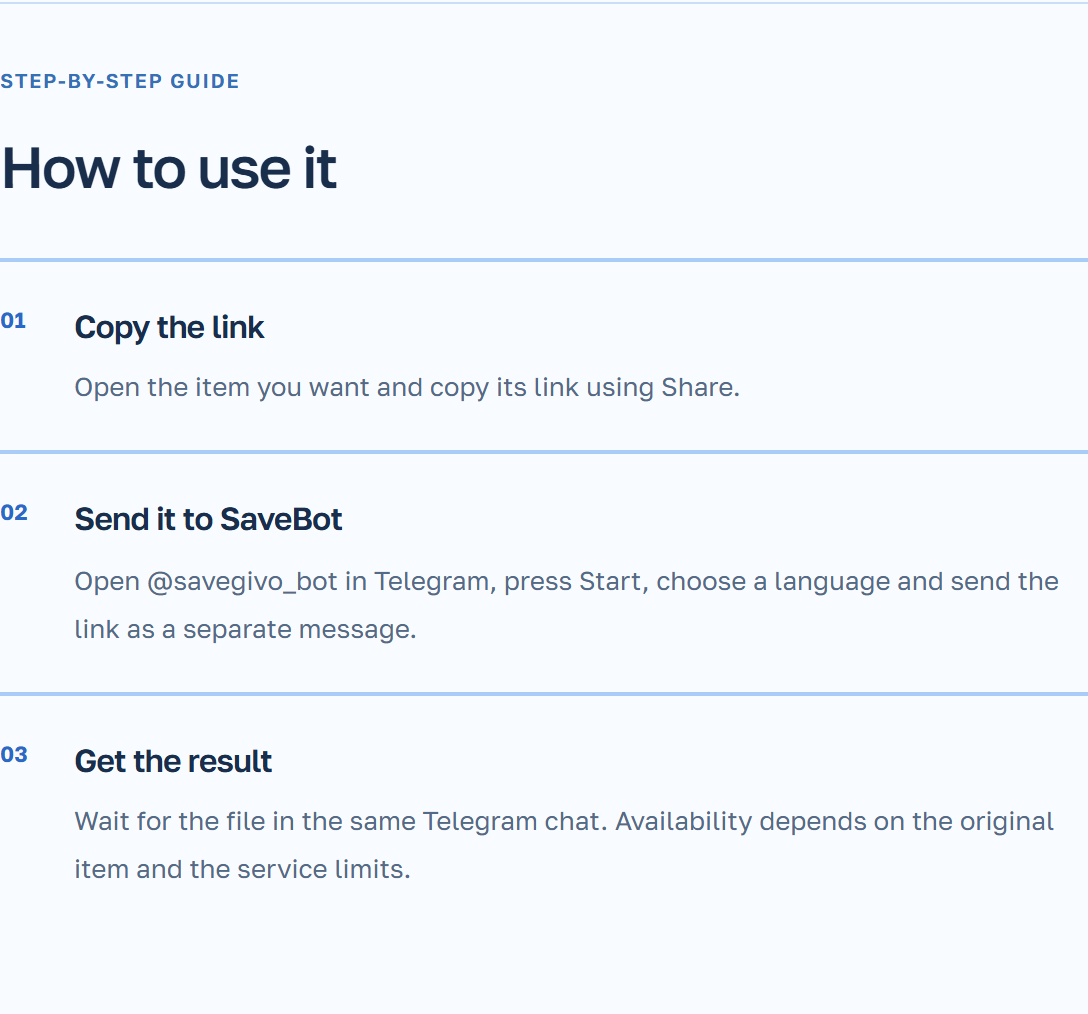
Send the link to SaveBot
During the first launch on Telegram, select a language. Then, paste the copied link as a separate message in the bot’s personal chat. For the first attempt, just one link is sufficient so that the response can be easily matched with the video.
- Open SaveBot GIVO and click “Run” if you haven’t used the bot before.
- Send the link and wait for a message with the result. Open the video and compare it with the original Shorts.
Check the access and save the result
If the original video can only be accessed after logging into your account, the bot may not have access to it. Try clicking the link in the private tab. For a remote, closed, or inaccessible post, use another available link.
After delivery, a copy is available in the Telegram chat. Consider YouTube’s rules and the author’s permission if you plan to share or use the video in your post.