
Checking the chat ID and topic
To ensure you use the correct ID after changing the group, follow these steps.
- Open the Telegram chat where the changes occurred.
- Find the bot ScanID and launch it.
- Select a language if necessary.
- Enter the command /id in the chat.
- After receiving the response, check to which object the number in the reply ScanID refers.
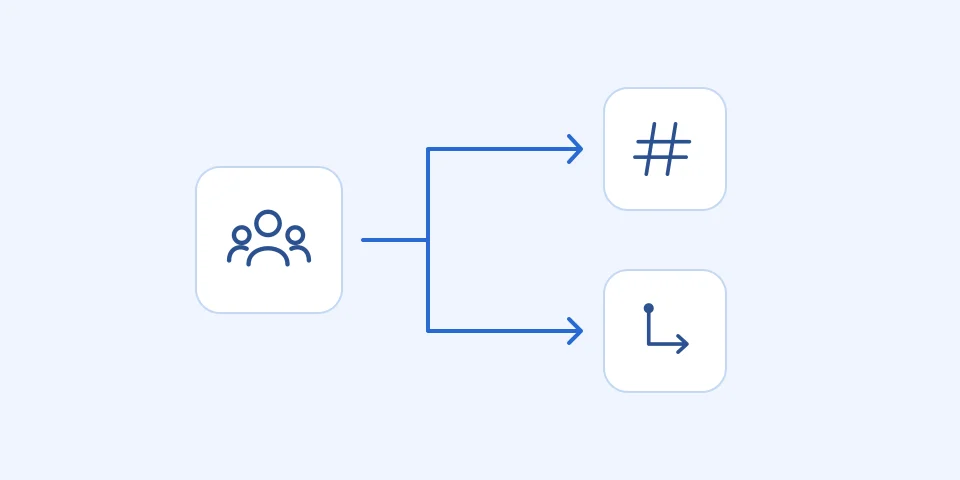
Example of verification
Suppose you moved from a regular group to a supergroup. By executing the command /id, you received a new chat ID and topic ID. The new chat ID is -100123456789, and the topic ID is 123456789.
- Check that the new ID corresponds to the supergroup, not the regular group.
Common mistake
One common mistake is using an old ID incorrectly after changing the group. This can lead to incorrect command or message behavior.
- Make sure you use the latest ID for all future actions in the chat.

ScanID GIVOBot page