
Step 1: Run ScanID
Open a personal chat with ScanID and select a language.
- Run ScanID in your private chat.
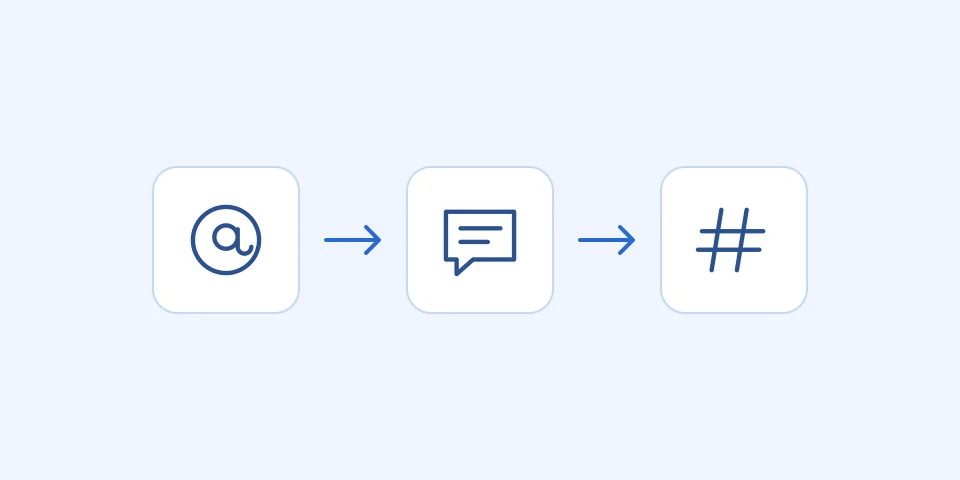
Step 2: Specify a public name or select a account
If you know the public username, enter it in the @username format. If not, select a suitable account from the menu.
The result depends on Telegram’s permissions, so not all names can be used.
- Enter a public username in the @username format, or select a account from the menu.
Step 3: Check the result
After ScanID, check the object type and copy the ID. Do not remove the minus sign or the leading digits.
Please store the ID as text in a table to avoid formatting issues.
- Check the object type and copy the ID.
- Save the ID as text in the table.

ScanID GIVOBot page