
Find the link to the desired player
Play the video inside the article. If the player allows you to go to RUTUBE, open a page and copy its address. An accessible direct link to an integrated player will come along if it is shown near the video.
The article address leads to the entire text and all attachments. When there are multiple players, refer to the title or the first frames of the selected video.
Save the record in Telegram
In the private chat, SaveBot, send one address. The long message may arrive in parts. Wait for all parts and open them in order.
- Play the selected video in the built-in player, and compare the first scene.
- Copy the video page address on RUTUBE or the direct link to the player.
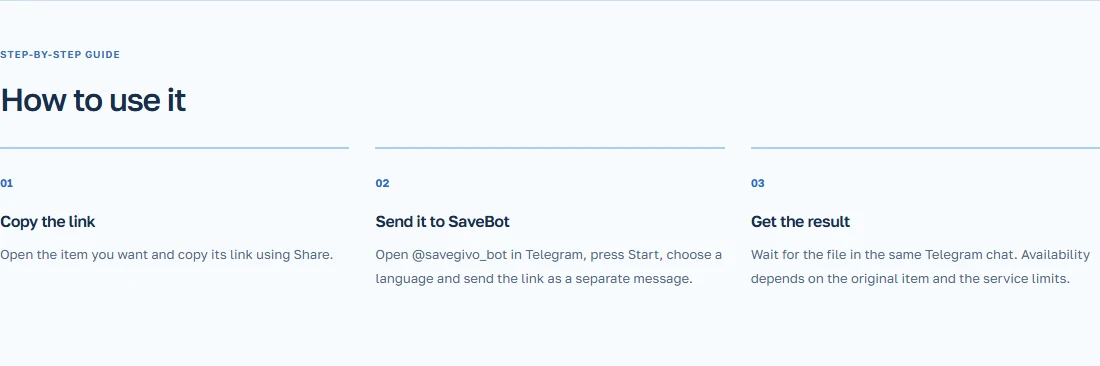
- Send the link in the chat SaveBot. When it first runs, choose a language.
- Compare the first scenes of the obtained video with the recording in the article.
Example of an article that includes two videos
The article about the repair includes a brief overview of tools and a separate master class. Launch the second player where the start of the work is shown, and take the link to it. In Telegram, check that the recording starts with the correct operation and ends with the finished result.
If the link returns to the article, copy the address of the commercial itself. If it is deleted from RUTUBE, ask the author to share a copy that he allows to save.