
Select the video channel on the board
Open one card and check if the video plays. On one board, videos, photos, and cards with links to stores can coexist. SaveBot requires a pin address where the video is located.
In the full address of a separate pin, there is usually a “pin” segment. The short address from the publish menu may start with pin.it. Open it and verify that it leads to the selected card.
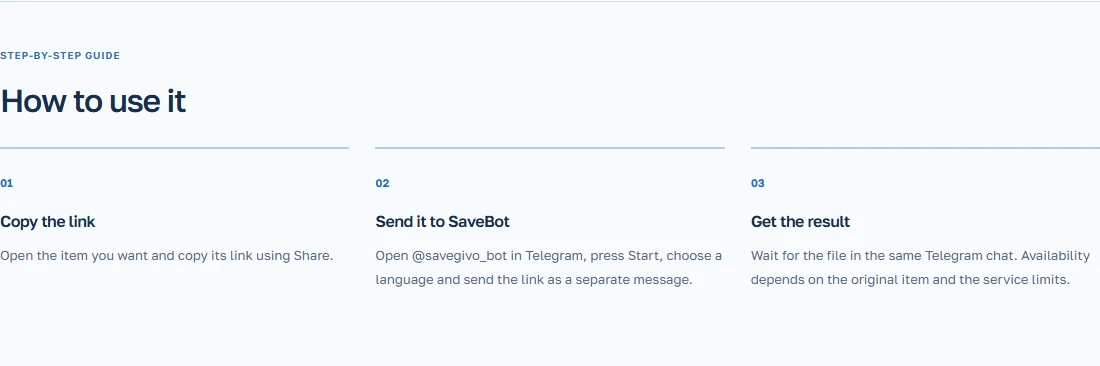
Please send the link SaveBot
If you navigated to a external website from a card, go back to the original page and copy its address.
- Play the video on a public stream.
- Copy the link from the card.
- Send the link SaveBot. When it starts for the first time, choose a language.
- Open the obtained video file in Telegram.
Example of gift packaging board design
On the board, there are photos of boxes and a short guide on how to tie the ribbon. Select the card that shows the movement of the hands from the first knot to the knot. Copy its link and verify that it opens the same card again.
In the video sent, look at the last seconds with a finished bow. If a short link opens another card, copy the full address of the right pin. When the author has closed or deleted the card, the file may not be available.