
Find the address of a specific Reels
If the video is found in a profile, first open it in the Reels tab. Look at the beginning. In the vertical tape, the commercial changes when scrolling, so copy the address while the right video is on the screen.
The link to the individual video usually has a "reel" or "rels" segment and an identifier after that. Open a copied address in the browser. If it shows an entire profile or page with sound, go back to the commercial itself.
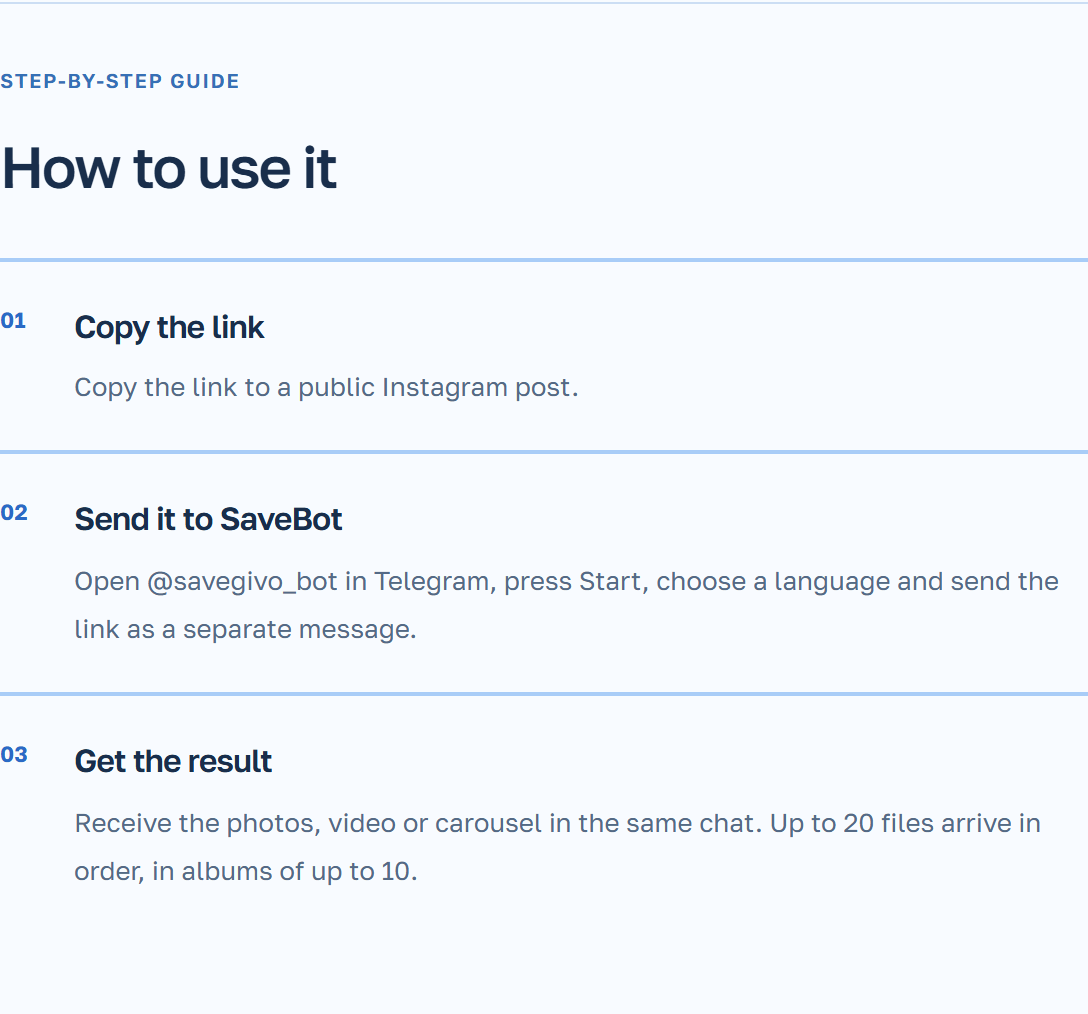
Get the video in the chat SaveBot
If the link is sent along with the text, select the address itself. One address is enough for a bot to choose the video.
- On the public Reels, click “Share” and copy the link.
- Go to the personal chat SaveBot. When it starts for the first time, choose a language.
- Please include the link and send the message.
- Wait for the video file and check its playback.
Example with a series of exercises
In the coach’s profile, there are three short videos with similar covers. You need to lean against a chair. Open this Reels and watch the beginning while the support is visible. After downloading, make sure that both the original position and the end of the movement are shown in the file.
If you save a nearby video, open the profile again and look at the beginning of each similar video. Copy the address directly while playing the selected video.
Why Reels might not be saved
Please specify whether a separate video is downloading by link. If the profile is opened, copy again the address from the video menu itself. For remote video or closed account, ask the author to provide an accessible version that he allows to save.