
Choose a post that contains one video
On the author’s page, open the entry where the desired video is visible. Play it and watch the first few seconds. If the page has multiple cards, you’re seeing a carousel.
In the normal post, the address often contains a "p" segment. The photo can also be opened, so check that a video is being reproduced inside the publication. If the tape opens with short spots, the Reels instruction will come in handy.
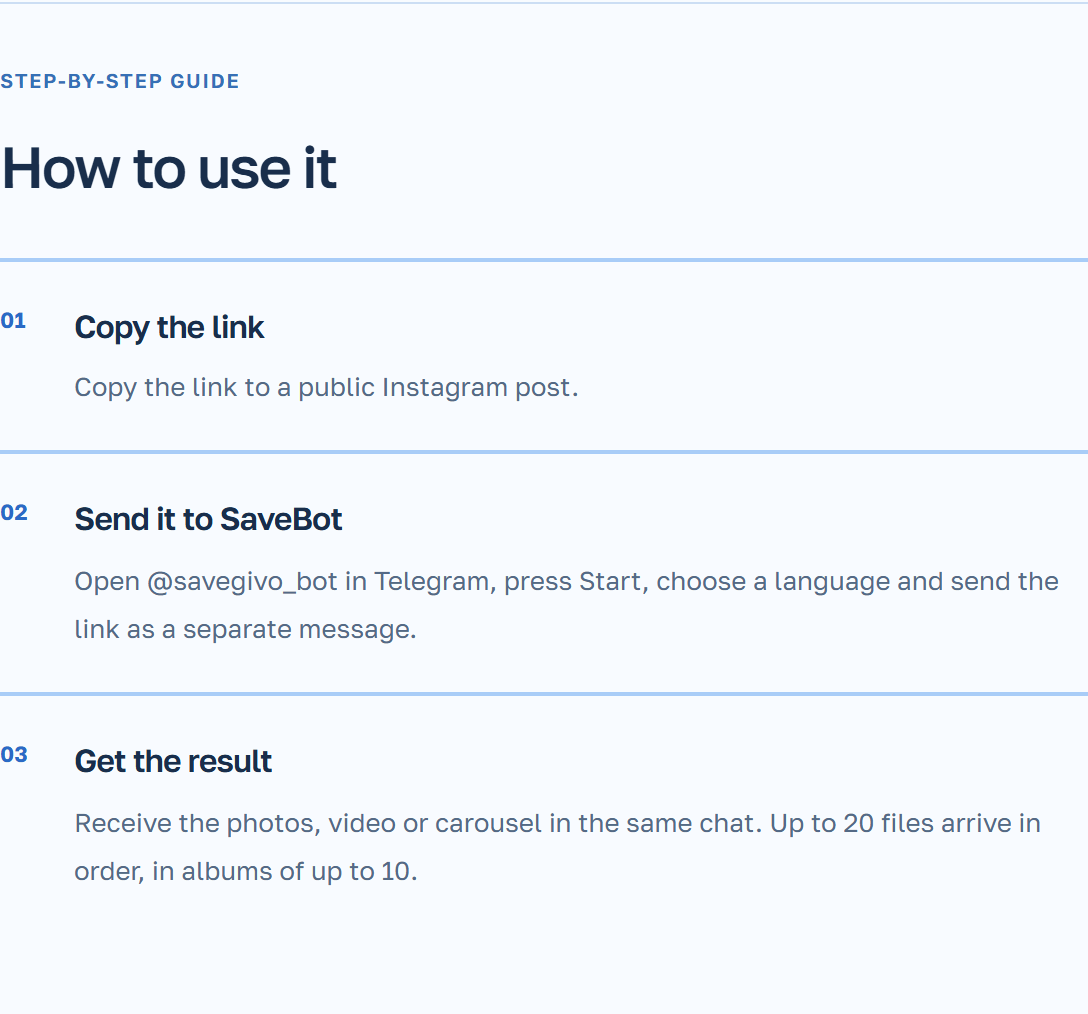
Send the post address to Telegram
If you've opened Instagram from someone else's message, first make sure you see the right publication. Copy its address on the video screen.
- Select the action “Copy link” in the open Instagram video post.
- Open your personal chat SaveBot. During the first launch, click “Start” and select a language.
- Insert the link in the chat and wait for the video file.
- Open the file and compare the first and last frames with the published version.
Example from the video stream
You posted a video about plant transplanting, but there are two similar rough drafts remaining on your phone. Open the post with the correct shot and copy the link. In the sent file, check that in the first frame there is an old pot, and in the last one, the transplanted plant is visible.
For re-mixing, check the duration and sound. The saved file is derived from the published version of the video. If you need the original file before processing for Instagram, verify your backup copy.
What to do with the carousel or the inaccessible video?
Several photos and videos in one recording — that’s a carousel. SaveBot gets all available cards from the entire publication. Find the videos among the sent files and compare their order with the post.
If the recording is available only to subscribers who have logged in, ask the creator to share the available publication or the original file. The bot does not load closed or deleted recordings. Before sharing someone else’s video, check the creator’s resolution.