
Get and check your personal link
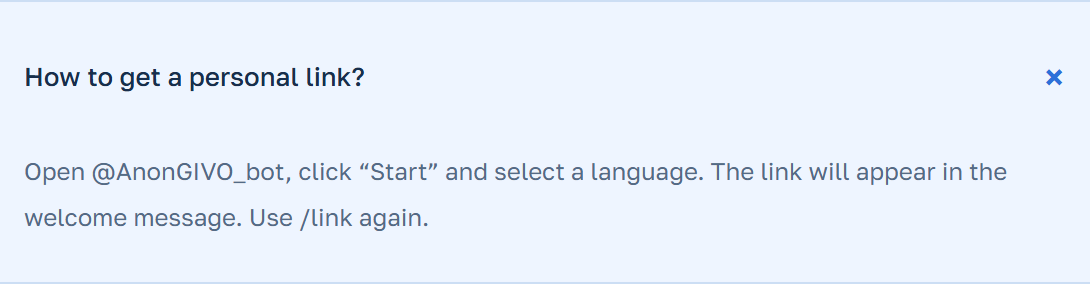
Open Anon GIVO in Telegram, click “Run”, and select a language. Find the personal link in the menu and copy it completely. Before publishing, ask a friend to open the link and send a short test question without personal details.
- Make sure the link opens Anon GIVO.
- Check if the test question appears in your personal chat with the bot.
Select the link location
Put the link in your profile if you want to collect questions regularly. For discussions on a single topic, place it in a post and add an example of what can be asked. When using a story, make sure the subscribers can open the link itself.
If you change the link later, update it in areas where people continue to look for entry. It’s convenient to start with the profile, the pinned post, and recent posts.
Respond while respecting the boundaries of anonymity
Answer the received question by swiping or clicking the button below the message, if available. This way, the bot will link your response to the relevant question.
The sender’s profile is not displayed to the recipient. If the person writes their name, nickname, or details that allow identification, the text remains visible. Please ask participants not to include personal information in their messages.