
Obtaining a question
After the reader submits the question through the personal link, it will appear in your Telegram chat. You will see a message that starts with the phrase “Anonymous question:”.
Important: do not include any information that could reveal your name or personal details in your response.
- Open the chat with the bot Anon GIVO on Telegram.
- Read the message that starts with “Anonymous question:”.
Answer to the question
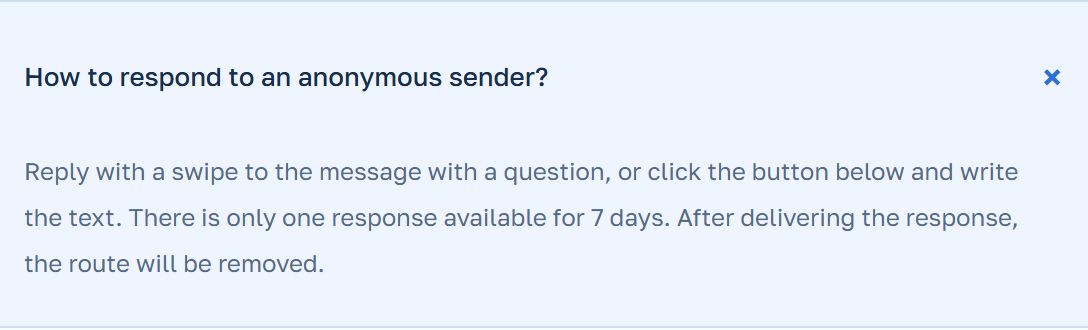
To answer the question, use the tap button or the button below the message.
If the button is available, click it to submit the response. If not, check the message and the response to ensure they match.
- Find the message with a question in the chat.
- If the button is available, click it. If not, check the question and answer.
- Please send your response.
Checking the response
After sending the response, make sure it is correctly transmitted in the sender’s chat.
Check that your response does not contain any personal information or data that could reveal your name.
- After sending the response, check that it has been correctly transmitted in the sender’s chat.
- Make sure your response does not contain any personal information or data that could reveal your name.
Why isn’t the new text always connected
It’s important to understand that the new text you add may not always be related to the original question.
Bot Anon GIVO does not save the conversation history, so a new text may not be related to the question if it was sent later.
- Remember that the new text you add isn’t always related to the original question.
- If you receive a new question, make sure it is related to the previous one.